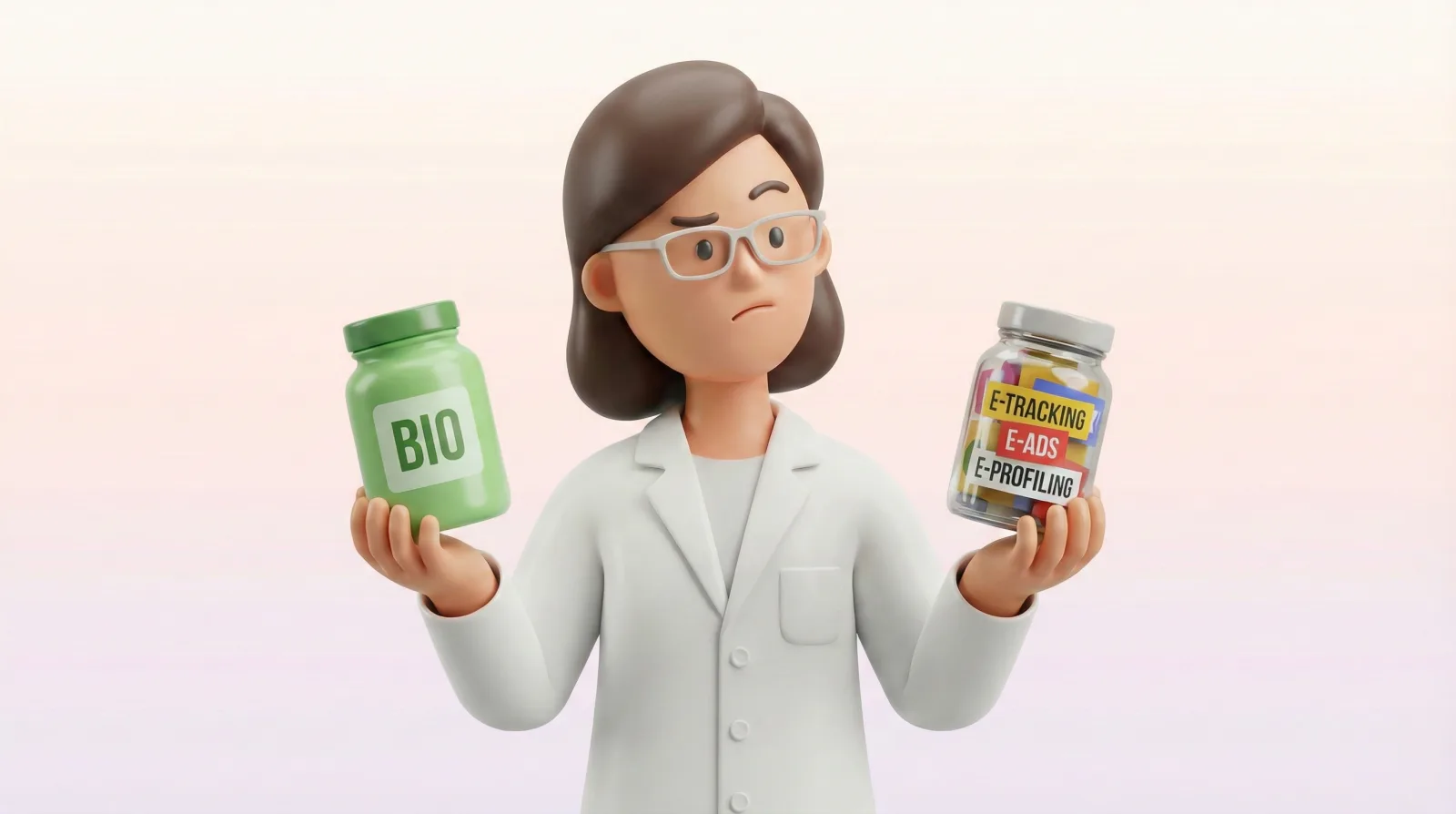
Organic Software: How to Read an App's Ingredient Label
TL;DR: Organic software = minimal data collection, E2EE, subscription instead of ads. Just like you read a yogurt label, you can “read the label” of your app. 5 questions in 5 minutes.
Series: Clean Tech for Families · Article 2/6
Organic software means apps that collect minimal data, encrypt it end-to-end, and earn revenue from subscriptions — not from your data. Just like you read the ingredients on a yogurt container, you can “read the label” of your family app. In this article, you’ll find 5 questions that will help you evaluate any app — in 5 minutes.
The Store, the Yogurt, the Label
You’re standing in the grocery store. You pick up a yogurt. Flip it over. Read the ingredients. Milk, bacterial cultures, sugar, “natural-identical flavoring,” E412, E440, E471. You put it back. You grab the pricier one — the one with three ingredients: milk, bacterial cultures, strawberries.
You feel that small sense of satisfaction in your chest. You know what you’re eating. You’re in control.
Now you open the App Store. You download a family planning app. Where’s the ingredient list? Where’s the label?
Nowhere.
What Is “Organic Software”?
We buy organic food because we know that fewer ingredients means less processing. We pay more, but we understand what’s going into our bodies.
With software, it’s exactly the opposite. We download apps without a second thought. They’re free, so we don’t ask: where does this company get its money? What does it collect? Who does it sell that to?
The comparison works surprisingly well:
- Organic food = fewer ingredients, less processing, more expensive, but you know what you’re eating.
- “Organic” software = less data collection, less tracking, paid, but you know how it works.
The market in 2026 is slowly catching on. Apps like DayDoo (declaring “no ads, no AI, no tracking”) and OurCal with end-to-end encryption are emerging. Awareness is growing.
But let’s be clear: this doesn’t mean free = bad. It means it’s worth knowing what’s inside. Just like with yogurt — you don’t have to buy the most expensive one. You just need to read the label.
You Don’t Have to Switch All Your Apps
You don’t have to switch all your apps. You don’t have to delete anything tonight. It’s enough to start reading their “labels.” Simply looking is already a step.
How to Assess a Family App’s Safety: The Ingredient Label
Imagine every app had a label — just like yogurt. An ingredient list. A nutrition table. Everything in black and white.
We’ve created this concept. We call it the App Ingredient Label — a simple way to evaluate what’s really “inside” every app your family uses.
| Ingredient | ”Organic" | "Processed” |
|---|---|---|
| Where does the company get its money? | Subscription or one-time purchase | Ads + data sales |
| What data does it collect? | The minimum needed to function | Everything it possibly can |
| Who holds the key to your data? | E2EE — you hold the key | Transit encryption — the company holds the key |
| Do you see ads? | None | Personalized based on your data |
| Can you leave with your data? | Export and account deletion — straightforward | Difficult, hidden, or impossible |
These are five questions worth asking of every app. Let’s walk through them.
How does the company behind the app make money?
This is the most important question. If not from you — then from someone who pays for access to your data. There’s nothing inherently wrong with that. But it’s worth knowing before you enter your child’s medication schedule.
What data does the app collect?
Some apps collect only what they need to function — your name, your email. Others collect location, browsing history, contacts, usage patterns. The difference? Like a yogurt with three ingredients versus one with fifteen.
Check what the app asks for during installation. Does a family calendar want to see your contacts? Does a meal planner need your location? That’s like a yogurt with emulsifiers — there might be a reason, but it’s worth asking what it is.
Who holds the key to your data?
E2EE is like sending a letter in a sealed envelope. Only you and the recipient can read it. Transit encryption is an envelope that protects the letter only on the way: nobody along the route can read it, but the company opens it on its own server and could read it, though it usually doesn’t. The question is: do you want to rely on that?
More on encryption in Article 3: E2EE for Families.
Does the app show personalized ads?
If you see ads tailored to what you’ve been discussing with your family — someone has read your data. That’s not a conspiracy theory. That’s a business model.
Can you take your data and leave?
Two tests: (1) Can you export your data? If not — it’s like a hotel that won’t give back your suitcases. (2) How many clicks does it take to delete your account? One? Or twenty plus an email to support? The harder it is to leave, the more reason to think twice.
Your Evaluation Template

We’ve prepared an App Ingredient Label template. You can use it to evaluate any app your family uses.
Start with one question from the table above — the one you’re most curious about. You don’t have to answer all of them at once. One question is already more than most of us do today.
One Step for This Week
This week, pick one family app. Just one — the one you open most often. Check its “label” — answer four questions from our template.
You don’t have to change anything. You don’t have to delete anything. Simply knowing is already a step. You’ll feel that same small relief as with the yogurt — you know what’s inside.
Print out the template and give it to another person in your household. Or fill it out together one evening — each of you with your most-used app. Compare results. No judgment — just curiosity.
Read Also
This is the second article in the Clean Tech for Families series:
- Article 1: If You’re Not Paying, You’re the Product. What About Your Child? — where the myth comes from and when it’s true.
- Article 3: End-to-End Encryption for Families: A Jargon-Free Guide — if you’re wondering whether your app truly encrypts your data.
Frequently Asked Questions
What is organic software?
Organic software refers to apps that collect the minimum data needed to function, encrypt it end-to-end (with a key only the user holds), and earn revenue through subscriptions — not through selling data or ads. Think of it like organic food: fewer “ingredients,” more transparency.
How do I check what an app collects?
Five questions: (1) where does the company get its money, (2) what data does it collect, (3) who holds the encryption key, (4) does it show ads, (5) can you export and delete your data. You’ll find the answers in the privacy policy, the app’s FAQ, or the “App Privacy” / “Data Safety” profile in the app store.
Series “Clean Tech for Families”:
- Article 1: If You’re Not Paying, You’re the Product. But What About Your Child?
- Article 2: Organic Software: How to Read an App’s Ingredient Label (this article)
- Article 3: End-to-End Encryption for Families: A Jargon-Free Guide
- Article 4: Slow Tech: When Technology Slows Down Instead of Speeding Up
- Article 5: What Does Your Child’s Learning App Know About Them?
- Article 6: I Installed OpenClaw. Then I Checked What It Had Access To.
- Article 7: Who Sees Your Family’s Data? 7 Layers You Shouldn’t Have to Think About
- Article 8: Digital Kidnapping: What Actually Happens to the Photos You Share
Calm families start with awareness.